

If you have spent decades wrestling with words, like me, you know the quiet frustration of writing software. Remember the good old QWERTY typewriter? I first used that in the army. Before that? I was writing on those green monochrome monitors, writing code first. Later on, we used the likes of WordStar, WordPerfect, etc., all on fixed-spaced terminals. Those were “distraction-free” writing software. And then, we had WYSIWYG (what you see is what you get) DTP (desktop publishing), and word processors tried to be publishing tools. You probably use a tiny fraction of the features of modern word processing software. These “monsters” aren’t meant for purists, like some of us.
Back in the early days of personal computing and DTP, tools had clear boundaries. They got out of your way and let you work. Over time, word processors bloated into complex corporate suites loaded with toolbars, formatting palettes, and endless cloud sync warnings. Even Apple’s Pages—which once offered that pitch-black, full-screen distraction-free mode authors loved—got modified and cluttered over successive updates.
Nine years ago, bestselling author Hugh Howey sketched out a blog post outlining his dream specification for a distraction-free writing environment. Silicon Valley never built it, so Hugh rolled up his sleeves and built it himself.
The application is called NEO, and for anyone wrestling long-form prose onto a screen, it feels like opening a window in a stuffy room.
Born Out of Author Frustration
Hugh introduced NEO on his personal site and published the code under an open-source MIT license on GitHub.
As someone who writes across genres, from tech journalism and non-fiction books to lyrics, my recurring irritation with drafting tools is friction. Most word processors assume you want to constantly adjust margins, fiddle with line spacing, or stare at squiggly red lines mid-sentence.
NEO strips all of that away. It operates on one guiding principle: help you get the rough draft written with manuscripts that format to look like a book as you write.
NEO Architecture at a Glance
├── Philosophy: Distraction-free long-form drafting
├── Storage: 100% local plain files (No accounts / No cloud locks)
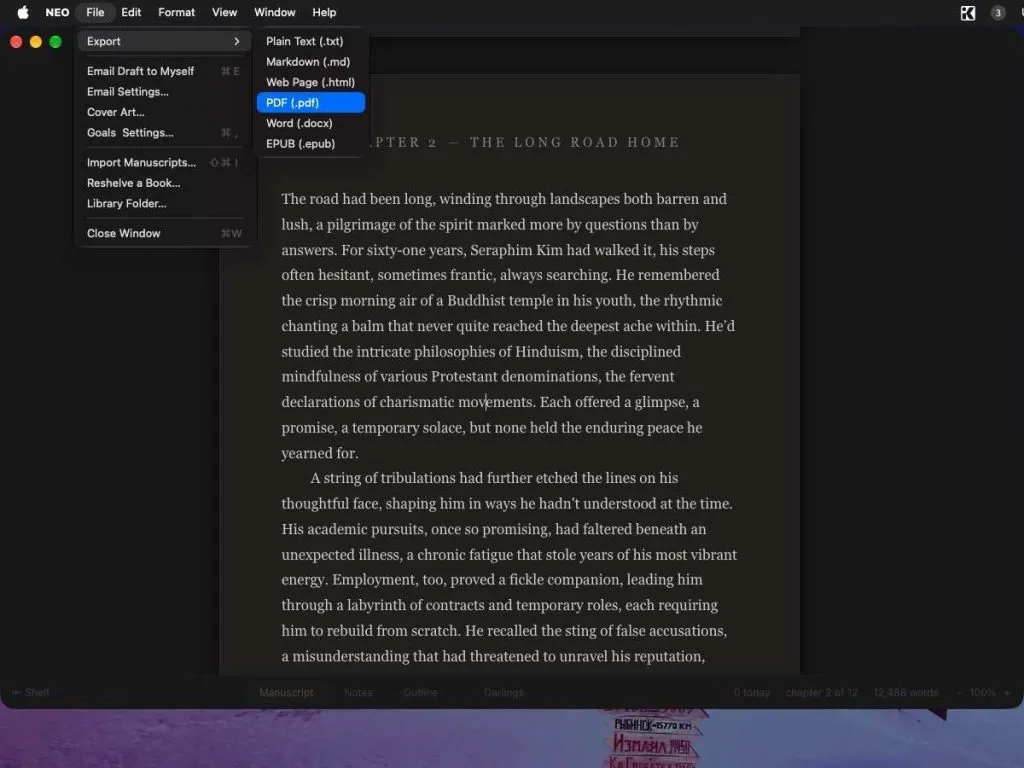
├── Formats: Exports to EPUB 3, DOCX, PDF, HTML, Markdown, TXT
└── Platforms: macOS (Intel & Apple Silicon), Windows, Linux
Form Follows Fiction
When you launch NEO, it asks whether you are a “pantser” (writing spontaneously) or a “plotter”. It is not a gimmick; it simply tells the program whether new manuscripts should default directly into the Manuscript view or into an Outline workspace.
Several thoughtful touches stand out immediately:
- The Enter Key Does the Formatting: You don’t reach for drop-down menus or heading tags while drafting. Press Enter once for a new paragraph. Press Enter twice, and NEO inserts a *** section break. Press Enter three times, and it opens a new chapter with automatic numbering.
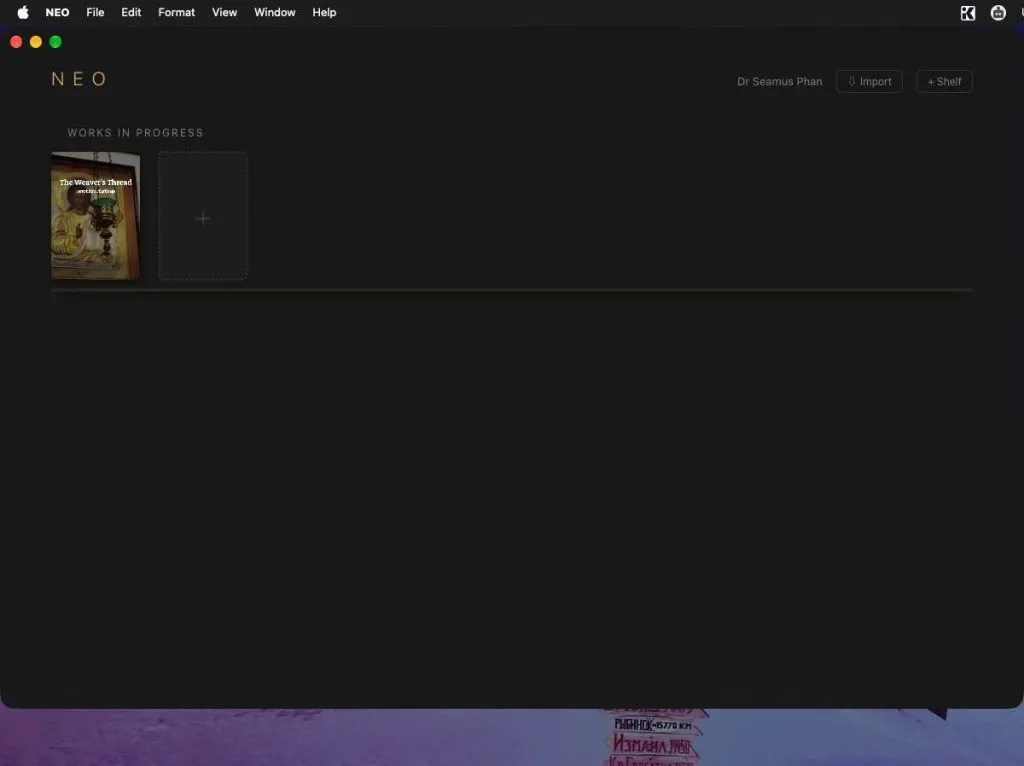
- The Visual Bookshelf: Rather than presenting an OS-level file browser or messy directory trees, your active library appears as a customizable bookshelf. You can group works by series, status, or pen name, set target word counts, and track progress bars across the book spines.
- “Darlings” (Keep the Bodies): The standard advice for writers is to “kill your darlings,” but deleting good passages that derail pacing is painful. NEO provides a dedicated Darlings tab. Drag an unwieldy sentence or paragraph there, and it leaves your active manuscript without vanishing permanently. It can restore right back to where it was excised.
- Quick Placeholders: If you are mid-flow and cannot remember a character’s eye color, a street name, or a date, press Command + Shift + X (Ctrl + Shift + X on Windows/Linux). It leaves a sticky note and flags that chapter with a subtle marker in your chapter index, letting you revise later without breaking flow.
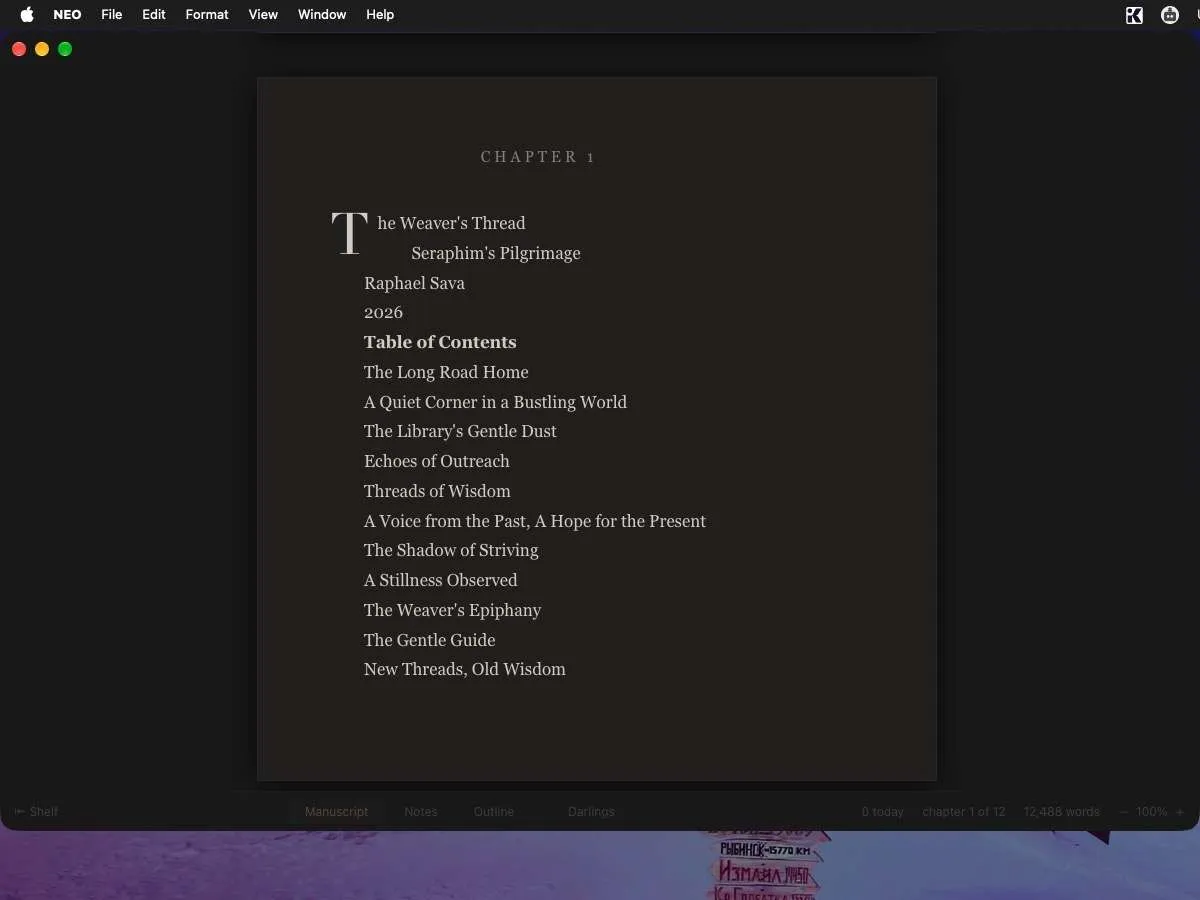
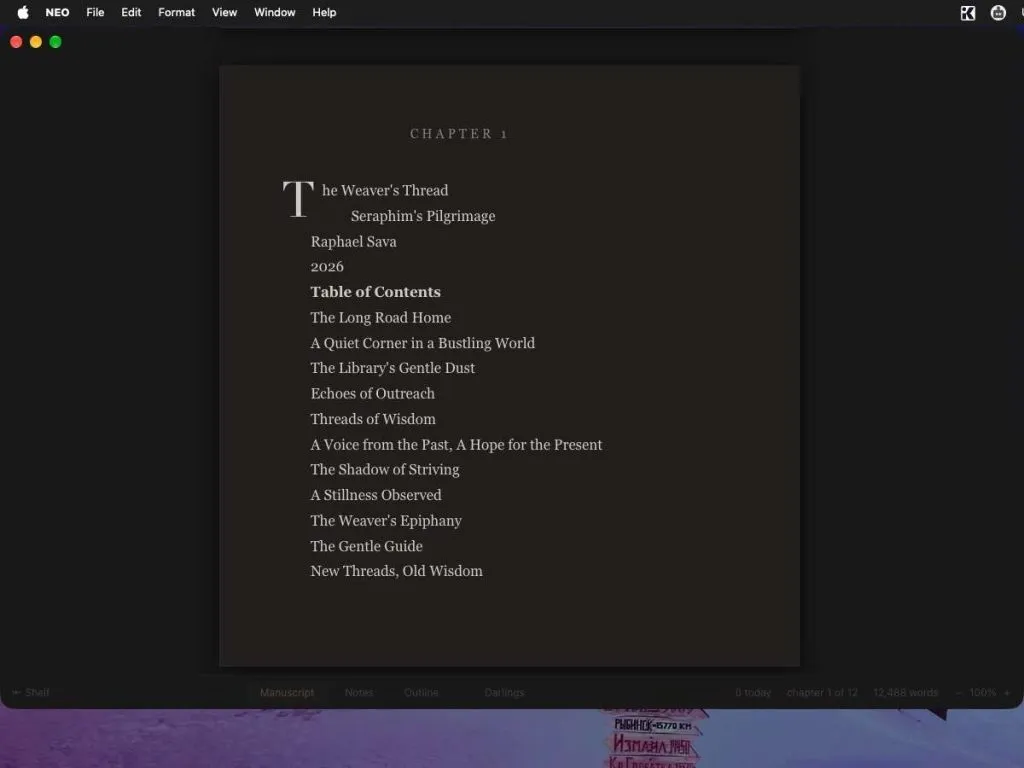
- Drop Caps and Clean Typography: Chapters automatically open with classic drop caps. Curly quotes, em dashes, and true ellipses render in real time without keyboard gymnastics.
- Typewriter Mode & “The Silo”: Full-screen mode hides menu clutter. Toggling Typewriter mode (Command + Shift + T) keeps your active typing line locked to the vertical center of the display. For deep focus, entering “The Silo” shuts out OS noise entirely.
Local Sovereignty and Multi-Platform Support
NEO avoids the trap of software-as-a-service. It requires no login, no recurring monthly fee, and no active internet connection. Manuscripts are stored as plain files locally on your own drive, keeping your creative intellectual property under your direct custody.
For verification, NEO includes an export option to email a timestamped PDF snapshot of your work with an embedded SHA-256 cryptographic hash—a handy way to prove authorship chronology over time.
The software is cross-platform, with pre-compiled installers distributed directly via the GitHub Releases page:
- macOS: Universal options with dedicated binaries for Apple Silicon (arm64) as well as Intel-based Macs (.dmg).
- Windows: Standalone .exe binaries and setup installers.
- Linux: Multi-distribution support, including packaged formats and community builds.
When you finish a draft, NEO exports cleanly to KDP-compliant EPUB 3, Word .docx, PDF, HTML, Markdown, and plain text.
The Bottom Line
NEO is an active, open-source project created by an author who wanted to solve his own creative bottleneck. It does not aim to replace spreadsheet-heavy project planners or general-purpose office suites. It is a purpose-built typewriter designed to help novelists reach the final sentence without the software getting in the way. And from a writer to another, thank you Hugh!
###